top of page

Enrolment
OWNA - Help Guides
Bookings
Permanent Bookings
For new or changes to Permanent Bookings, please submit a Update Booking Pattern request in the OWNA App.
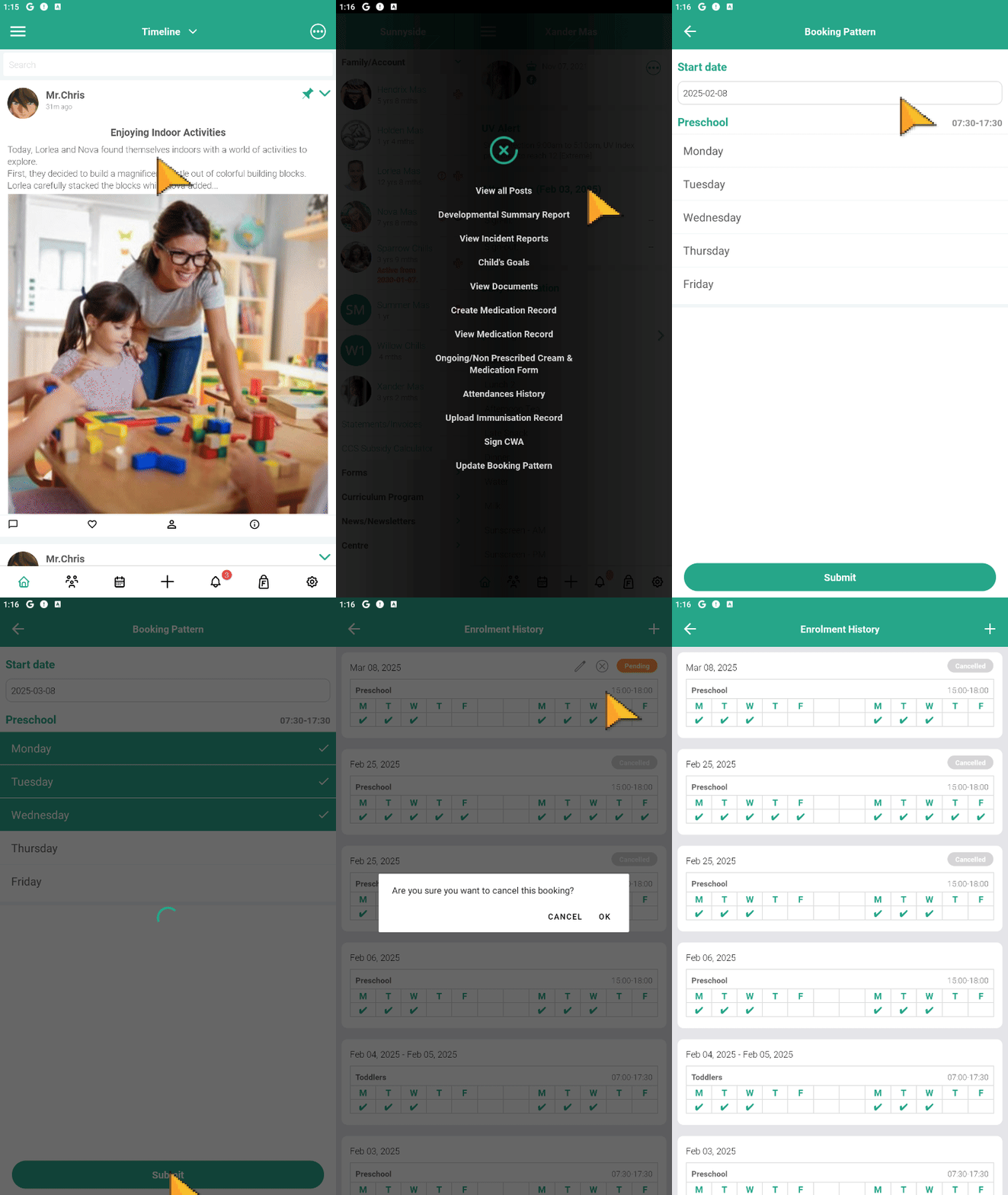
Viewing & Requesting to Cancel Permanent Bookings
📱 Go into the OWNA App
-
Click the + button
-
Select 'Child(ren) Attendances'
-
Filter to 'Upcoming Attendances'
-
The calendar indicates days booked, and these sessions are also listed below in more detail.
-
To request a cancellation of a session, swipe the booking from right to left.
Reminder: Sessions can only be cancelled (no charge incurred) if you notify us 24 hours or more prior to the session.
Casual Bookings
Casual Bookings can be made through both the OWNA App.

Frequently Asked Questions
Getting Started With OWNA
Feel like we haven't answered something?
Your Next Steps
We know there is a lot to learn with OWNA. If you're still having troubles, please utilise the more extensive OWNA Help Guide Site or shoot us an email at enquiries@jhoshc.com.au.
Please give us up to 24 hours to respond.
Jamboree Heights OSHC
bottom of page